Artisan Coffee Packaging
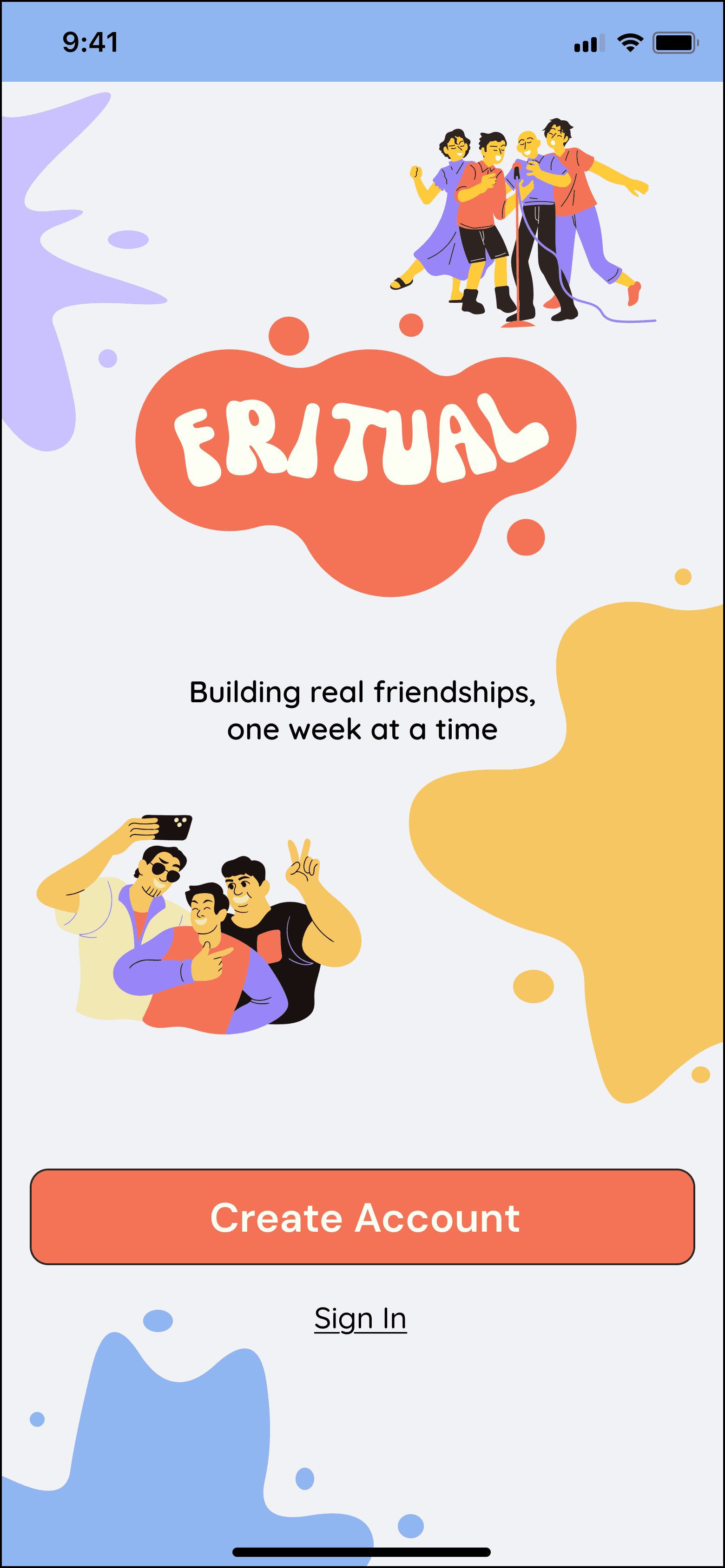
Building real friendships, one week at a time.
Print and Graphic Design
Project Type
Adobe InDesign, Adobe Illustrator
Tools
Timeline
Artisan Coffee Co.
Role
View Prototype
The Background
Crafting the perfect coffee packaging for Artisan Coffee Co. was a delightful challenge. I designed a series of visually stunning coffee bag labels, incorporating hand-drawn illustrations that celebrated the artisanal craftsmanship behind each coffee blend. The final design elevated their product presentation and resonated with coffee enthusiasts.
The Problem
The Solution
Learnings
Competitors were presenting too many features to users such as messages, groups, threads and video/audio chat. This leads to decisions paralysis.
User's required repetitive meetups, and not just one time meetups.
Having a familiar UX/UI pattern reduces friction and confusion for users.
User's prefer a clean and aesthetic UI
User's find one-on-one meetups more awkward than group meetups. However, they are comfortable with small group sizes.
Opportunities
Interest based groups do not sustain relationships afterwards. Instead, recurring events for the same groups can be created.
Newcomers can set profile preferences to prioritise meeting others who are also new, and have similar interests and hobbies.
I can deepen user connections through milestones like "try an outdoor activity", which earn badges/streaks while helping users' explore the city.
Most companies do not take feedback or follow-up with users on a second meeting with the people they met.
User Interviews
Interview Stats
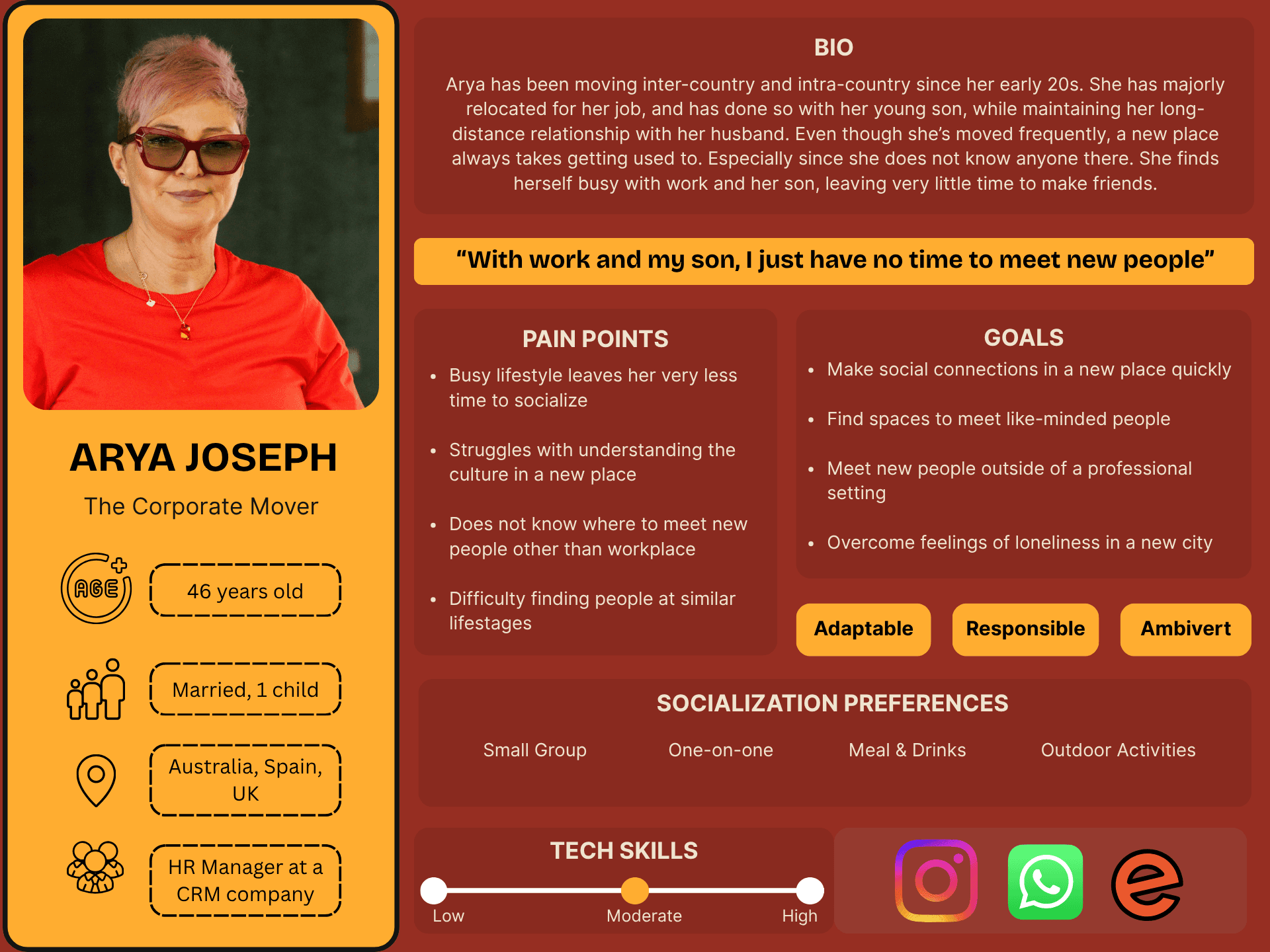
4 participants
Ages: 24-50
Migration History: India, Canada, Germany, United Kingdom, Maldives & Tanzania
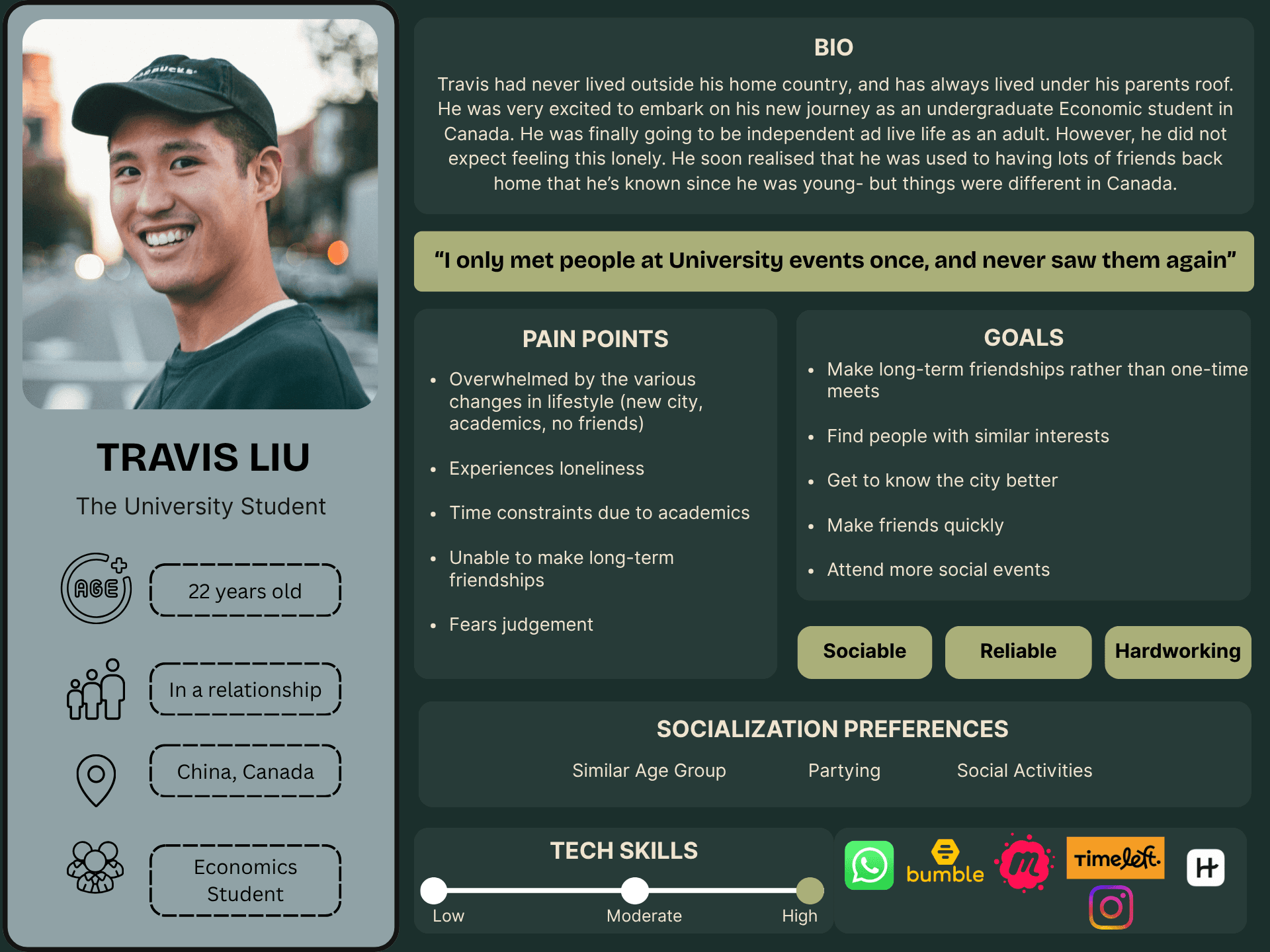
Apps Used: Eventbrite, Bumble, Timeleft, Hinge Meetup
Participants had migrated at least once, had used resources to make friends and had struggled to socialise
Interview Goals
Understanding user's previous experiences with online friendship platforms
Understanding what user's expectations are from an online friendship platform
Understanding the difficulties user's faced in making new friendships
User's Pain Points
Inability to establish long-term connections with new people
A lack of intentional spaces to socialise
A lack of time to socialise due to responsibilities/commitments
Experiencing loneliness
Mismanaged meetups/events on existing apps
Affinity Map
Themes Revealed
User's experience loneliness and a lack of time to socialise.
User's experience difficulty maintaining connections long-term.
Roadmap
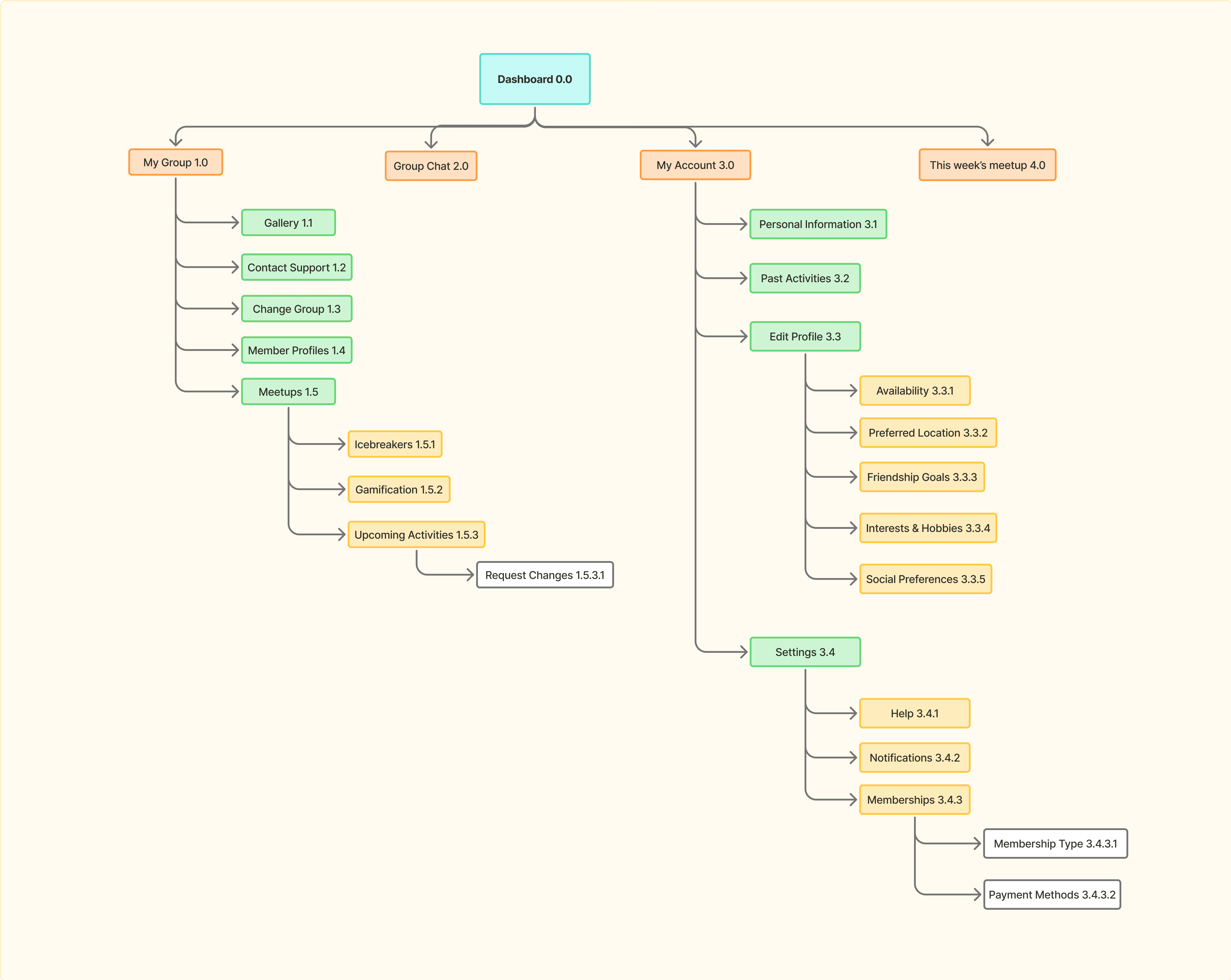
User Flow
'Create Account' Design
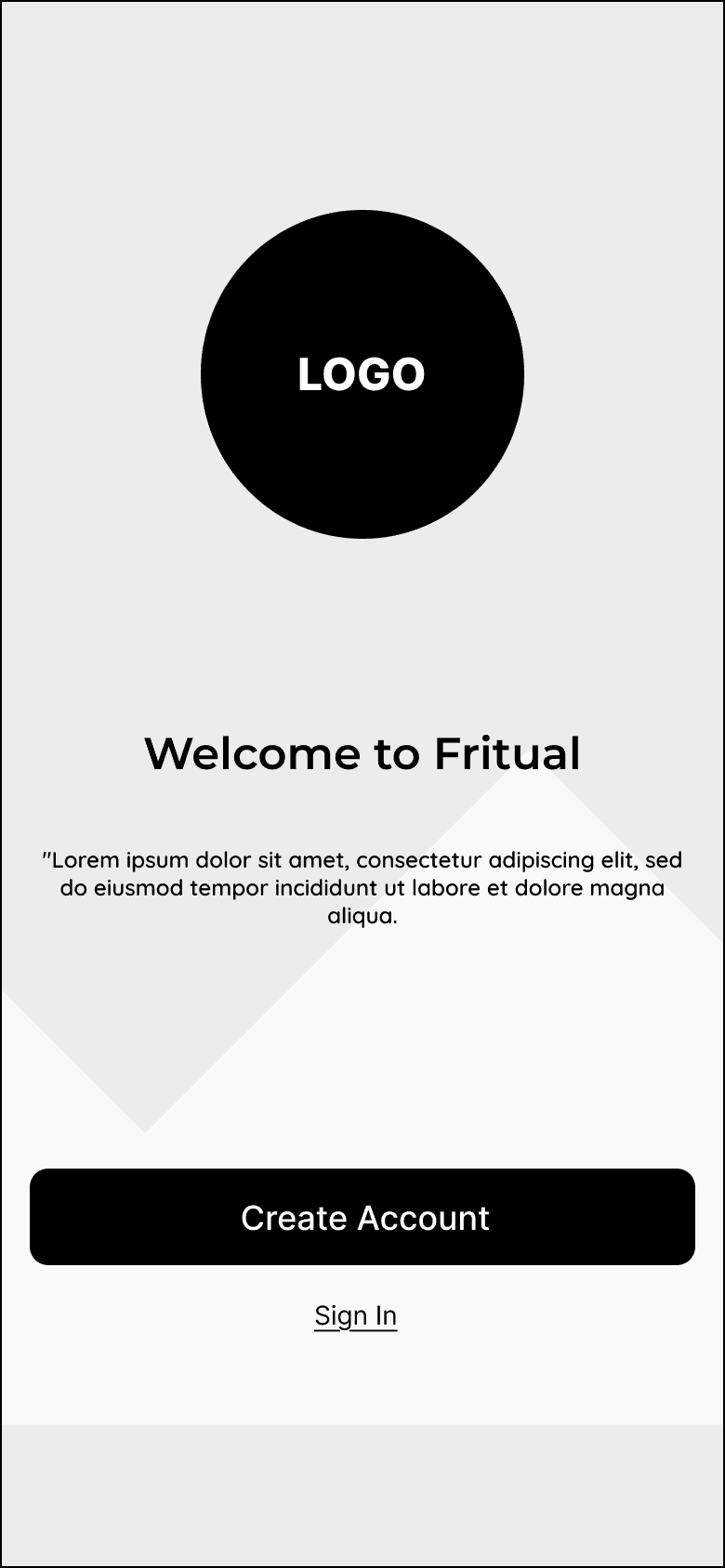
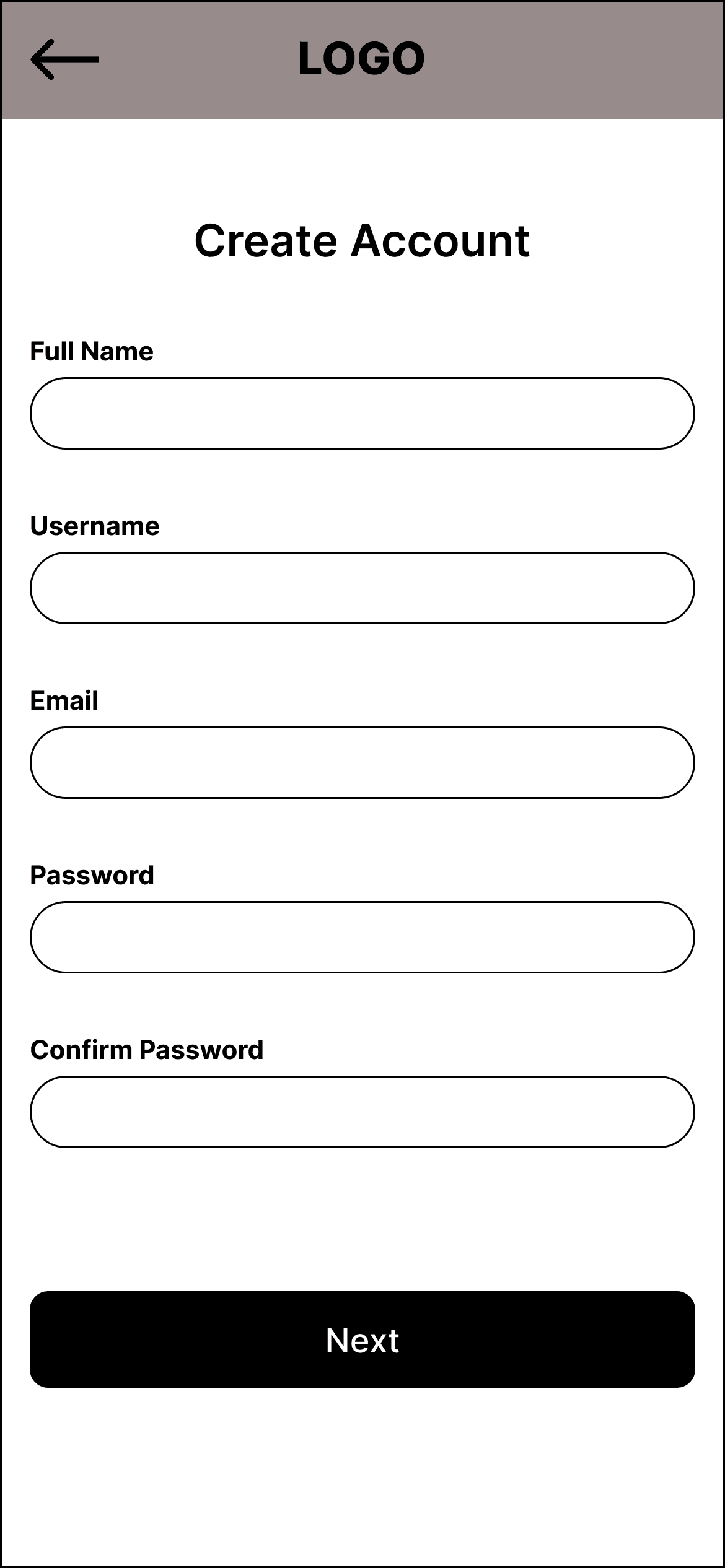
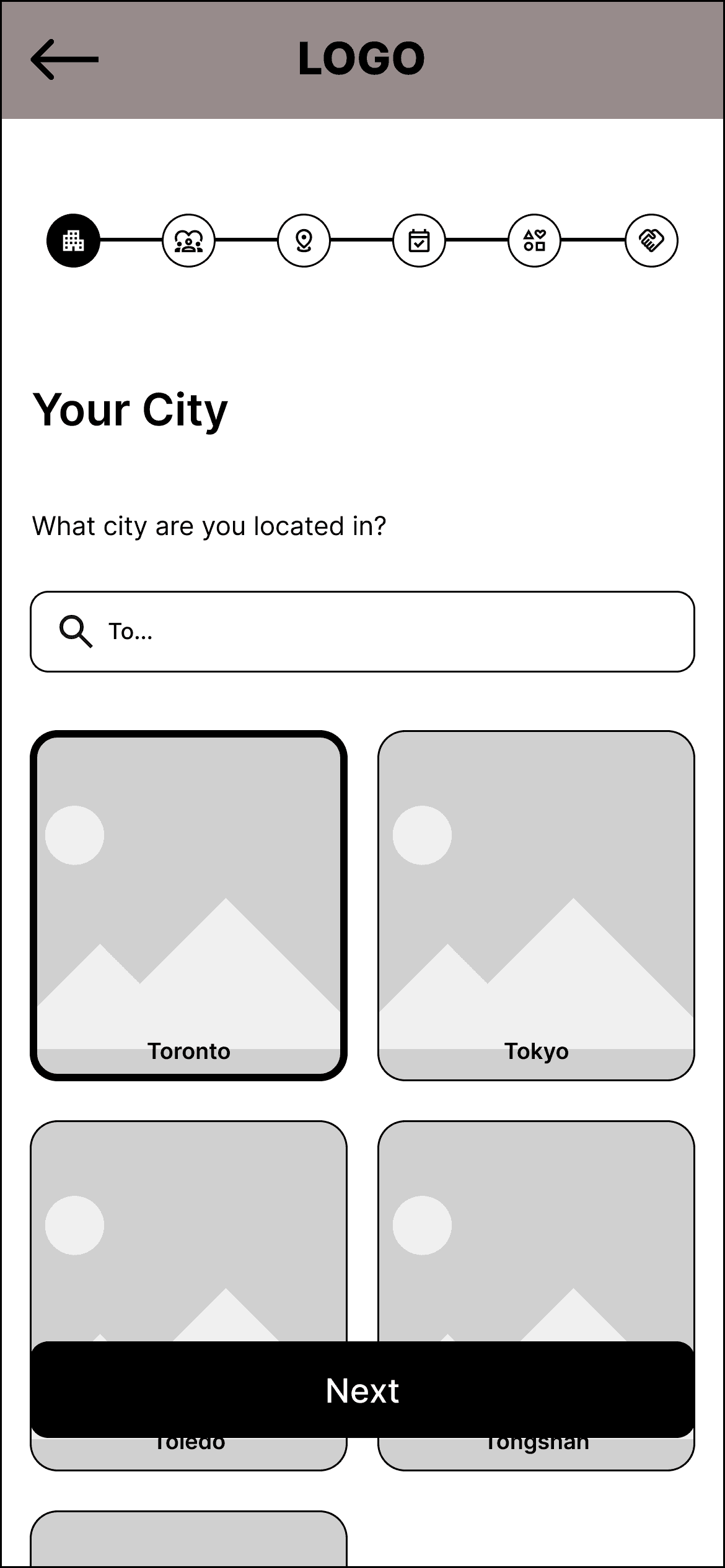
When creating the low-fidelity wireframes, I chose to separate the "Create Account" and "Personal Preferences Form". Design 1 and Design 2 for the "Create Account" process only differed in terms of the app's landing page. Design 1 includes just the logo at the top, which Design 2 includes an image (either a graphic or an image of a group of friends). While Design 1 allows users to directly see the branding of the app, I thought Design 2 might speak of what the app offers users.
'Personal Preferences Form' Design
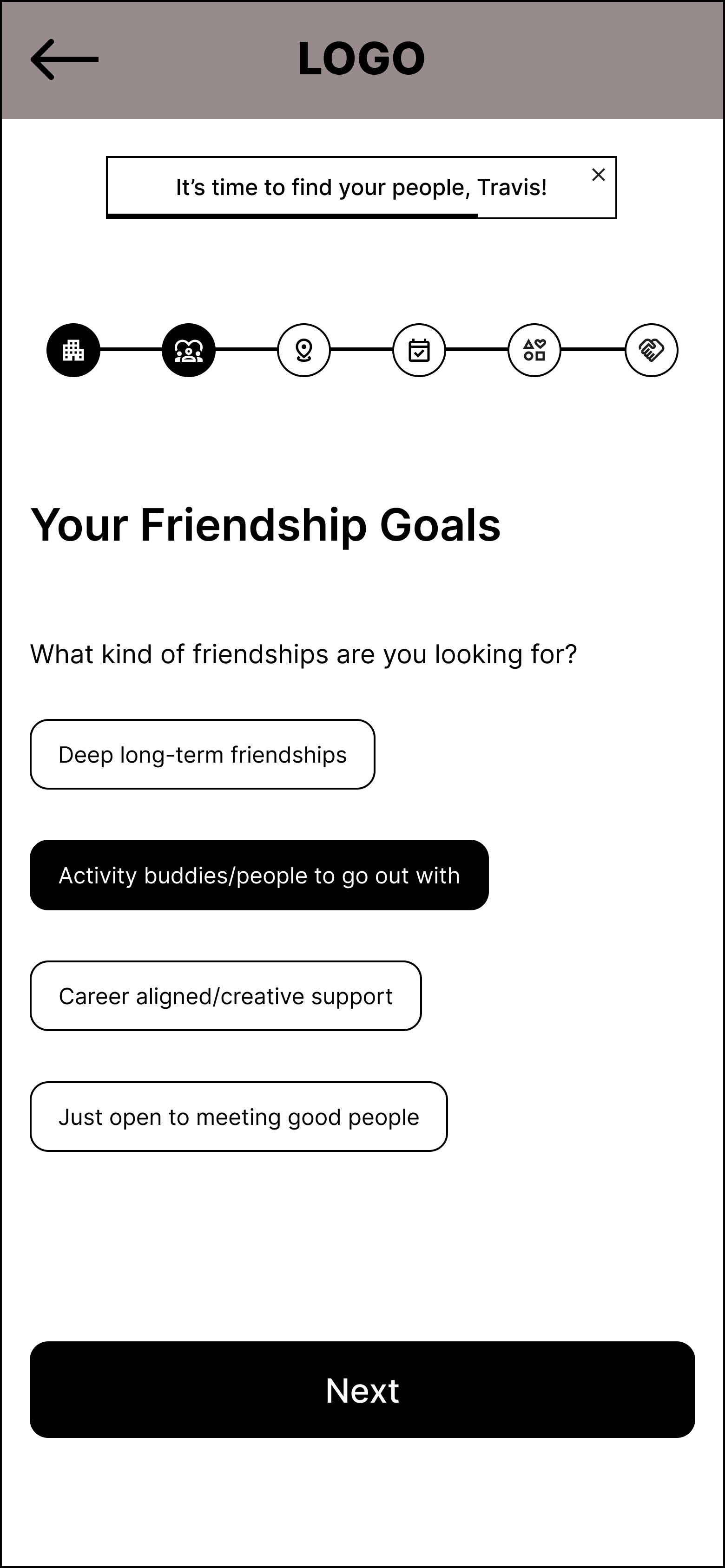
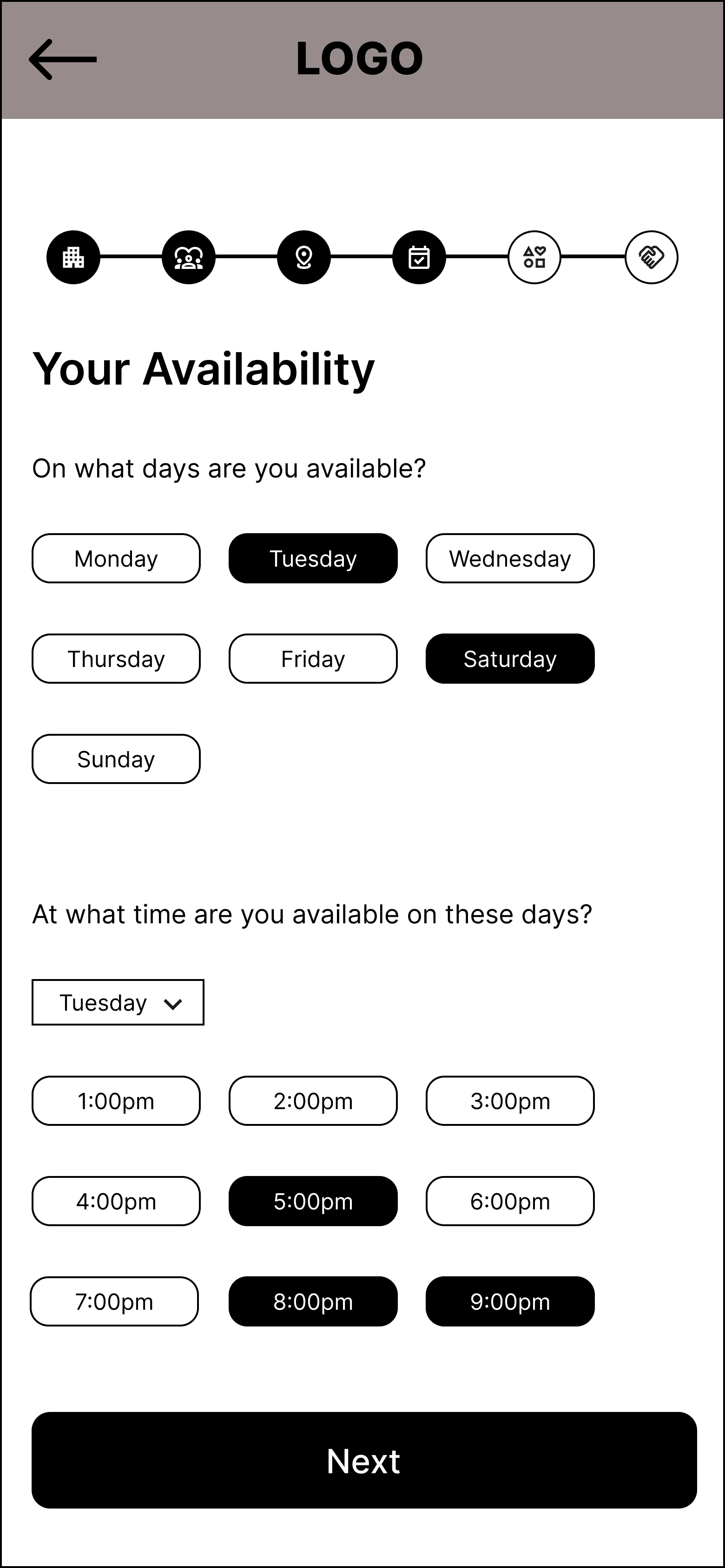
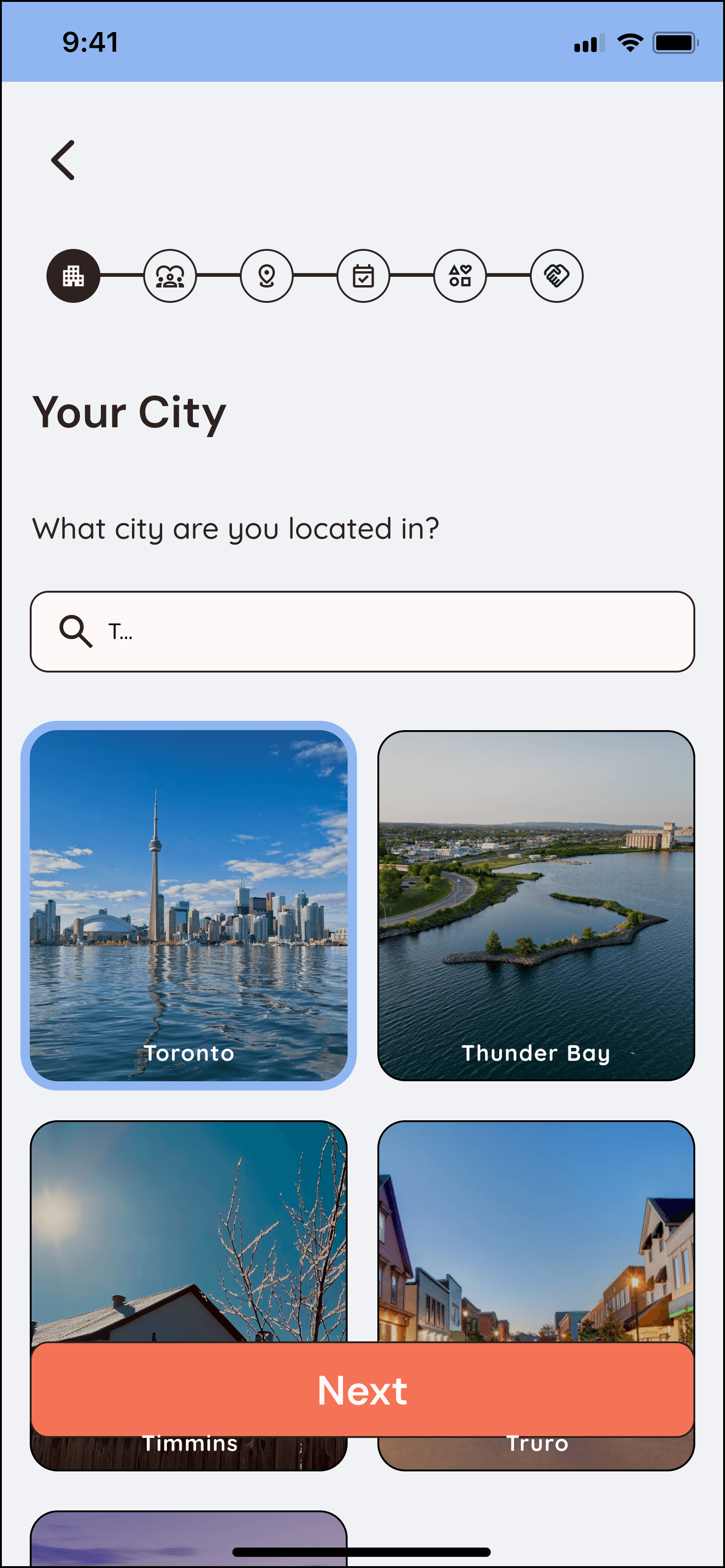
Design 1 of the personal preferences form was intended to display the different sections of the form as folders. When the user clicks on a section, the folder opens up. This design represents the playfulness of Fritual. Design 2 includes a progress bar that appears above the questions, allowing users to track their position and understand how far along they are in the form. Alternatively, Design 3 presents one question per screen to enhance clarity and help users focus on a single prompt at a time.
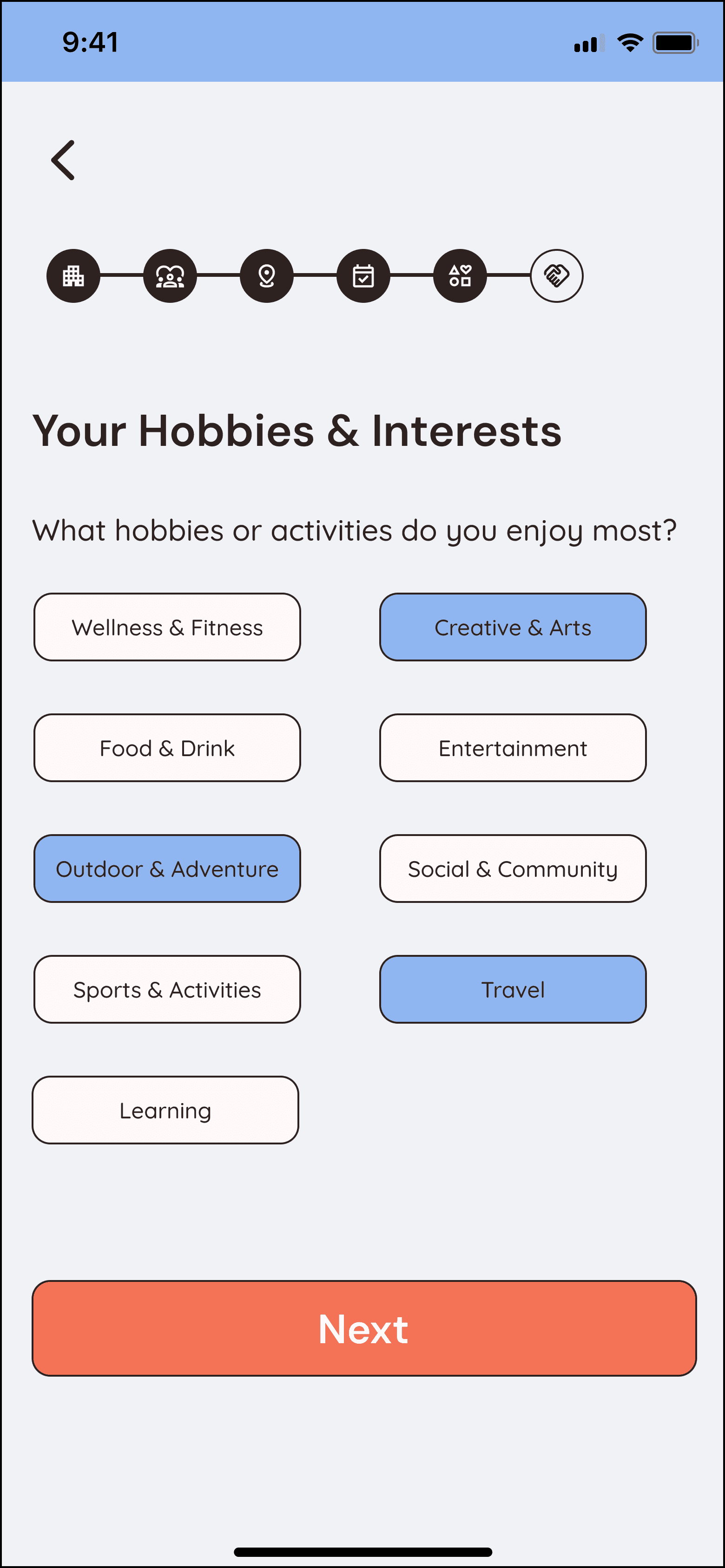
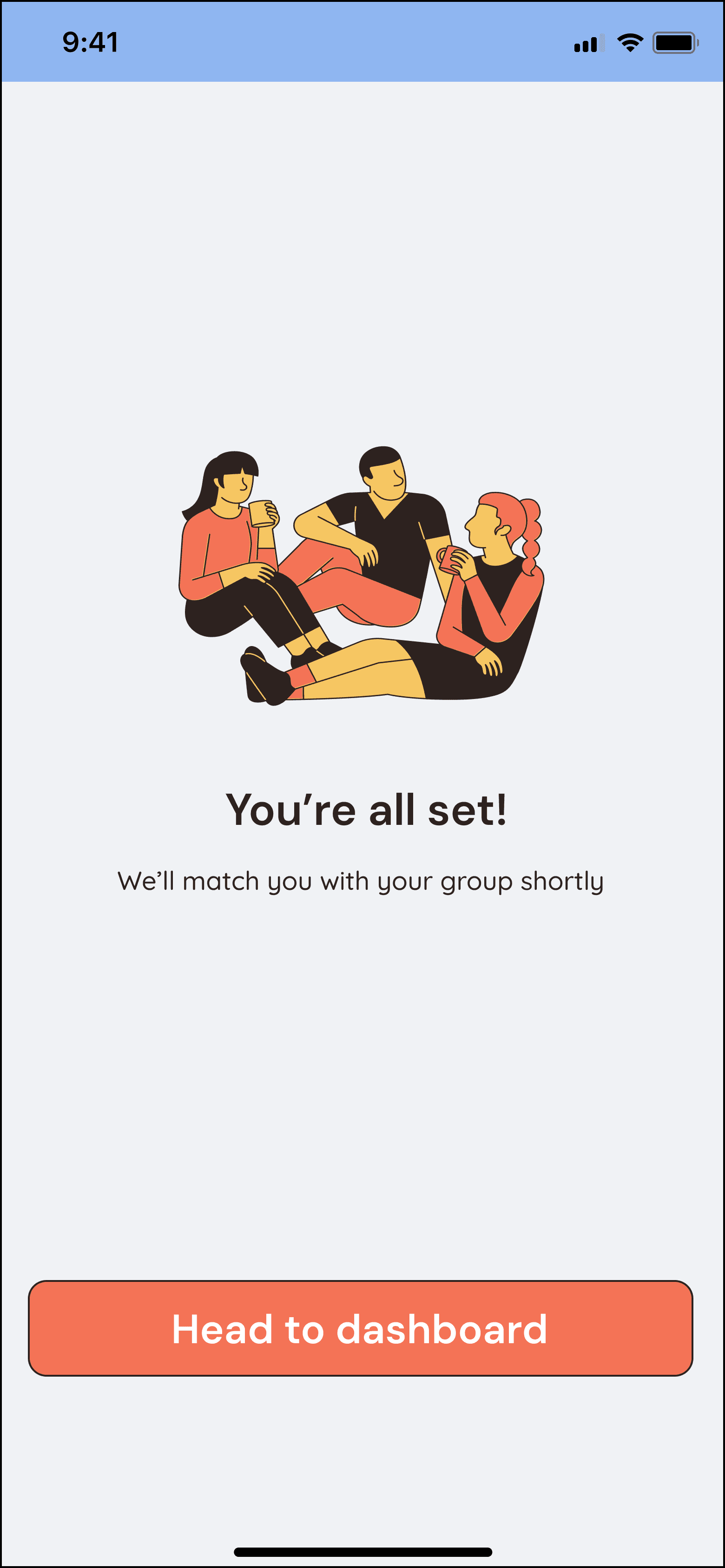
UI Design
Testing & Iterating
Usability Testing
Positive Feedback
Visual Design
User-Friendly Design
Match between the system and the real world
Accurate system feedback
Ease of use
Iterations
"Your Location" Screen: Provide system feedback when an address is selected
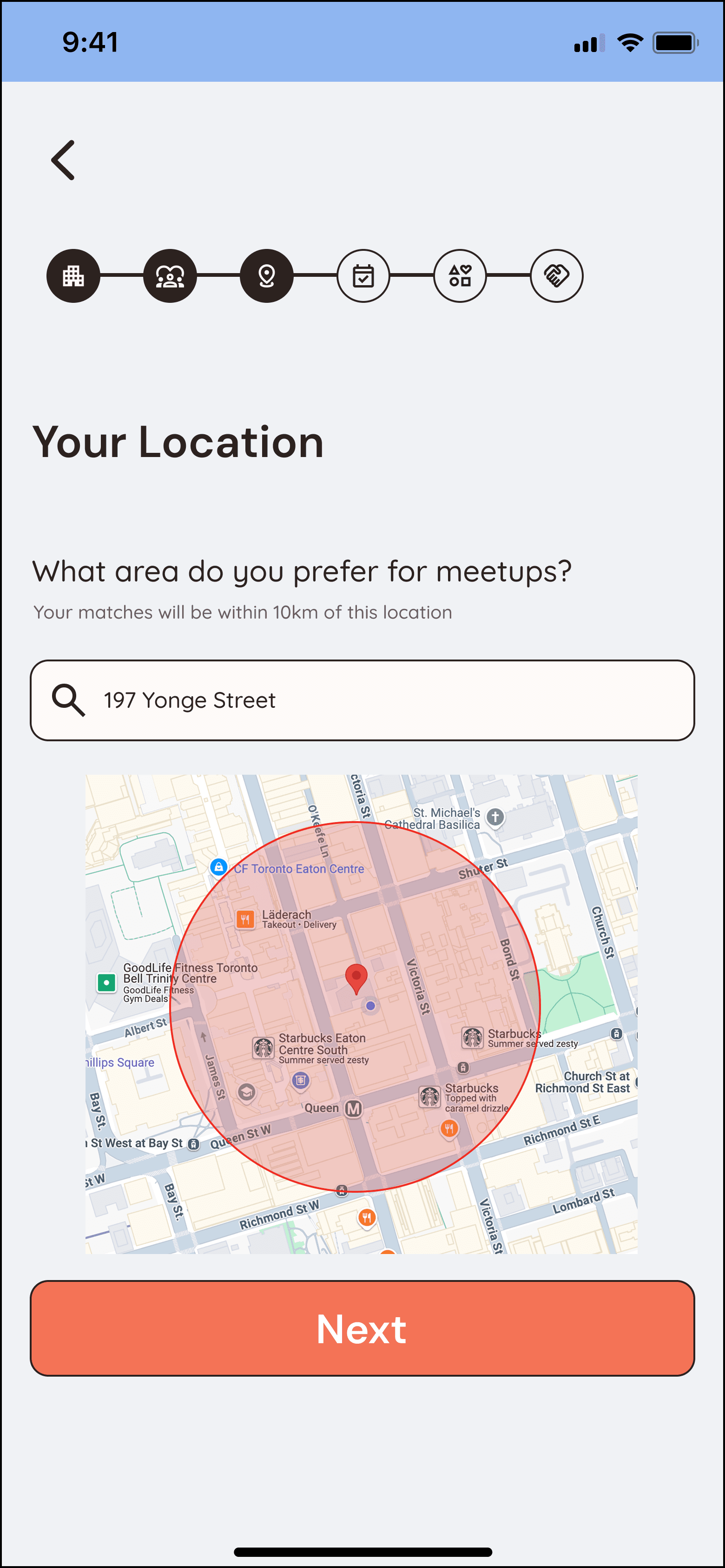
Before
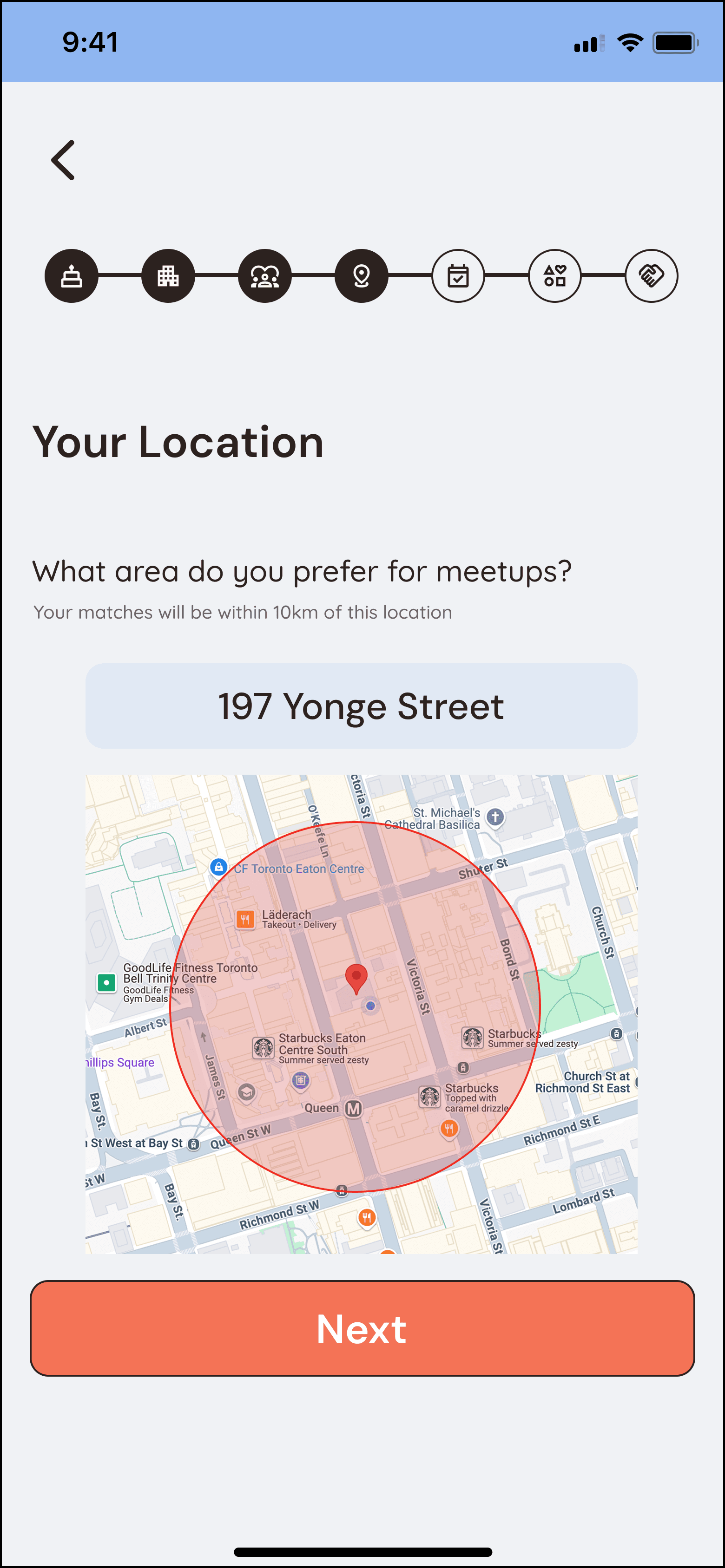
After
"Your City" Screen: Make the city's name bigger and centre aligned
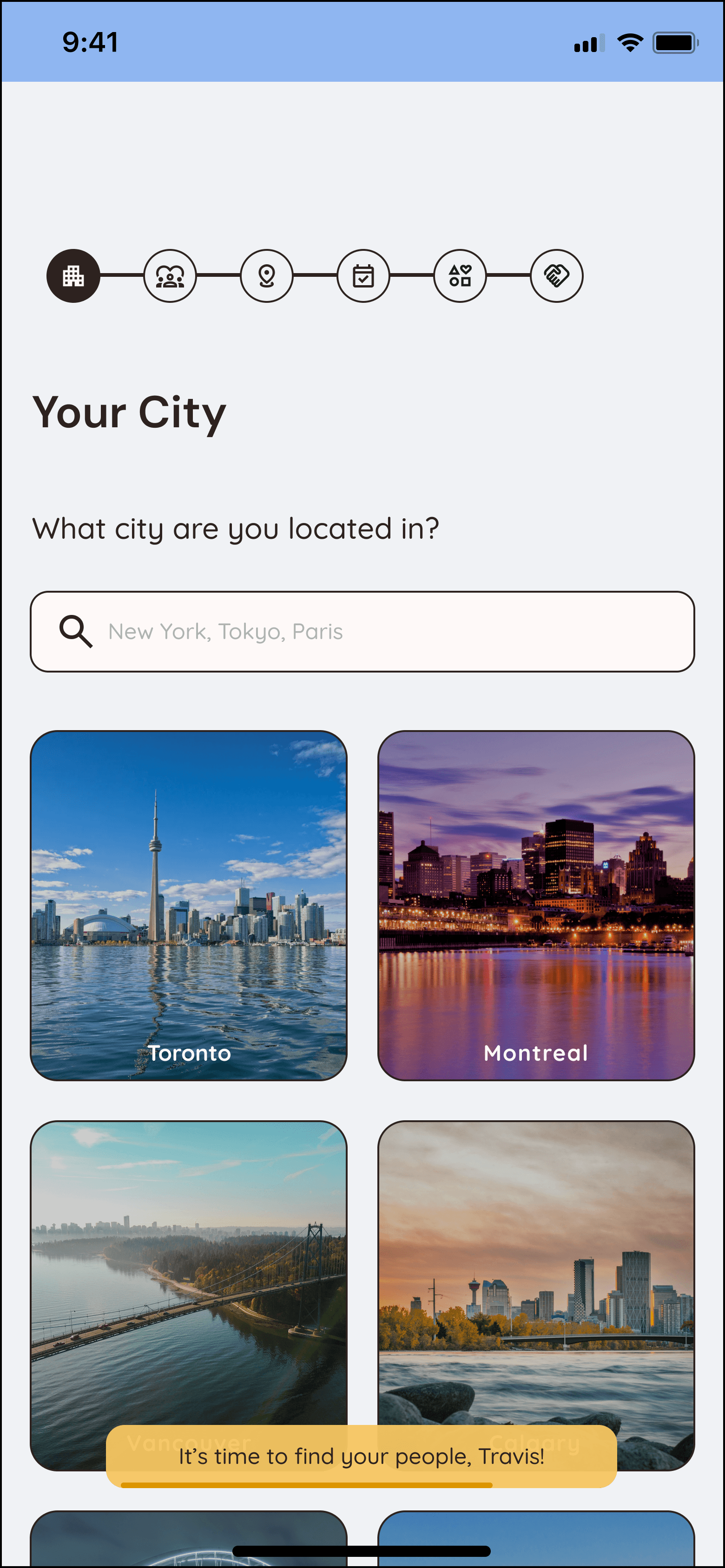
Before
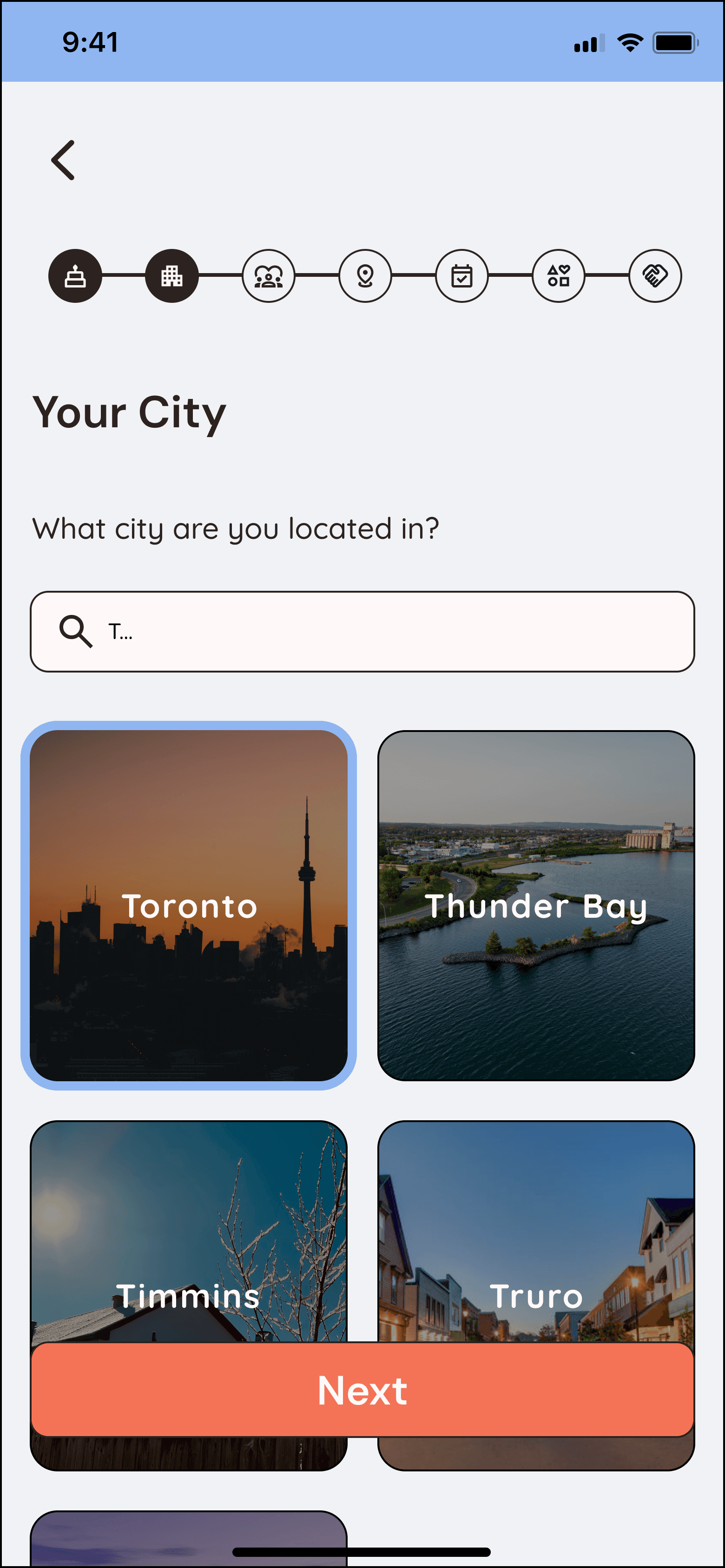
After
"Your Availability" Screen: Indicate that selected availability is only for the upcoming week
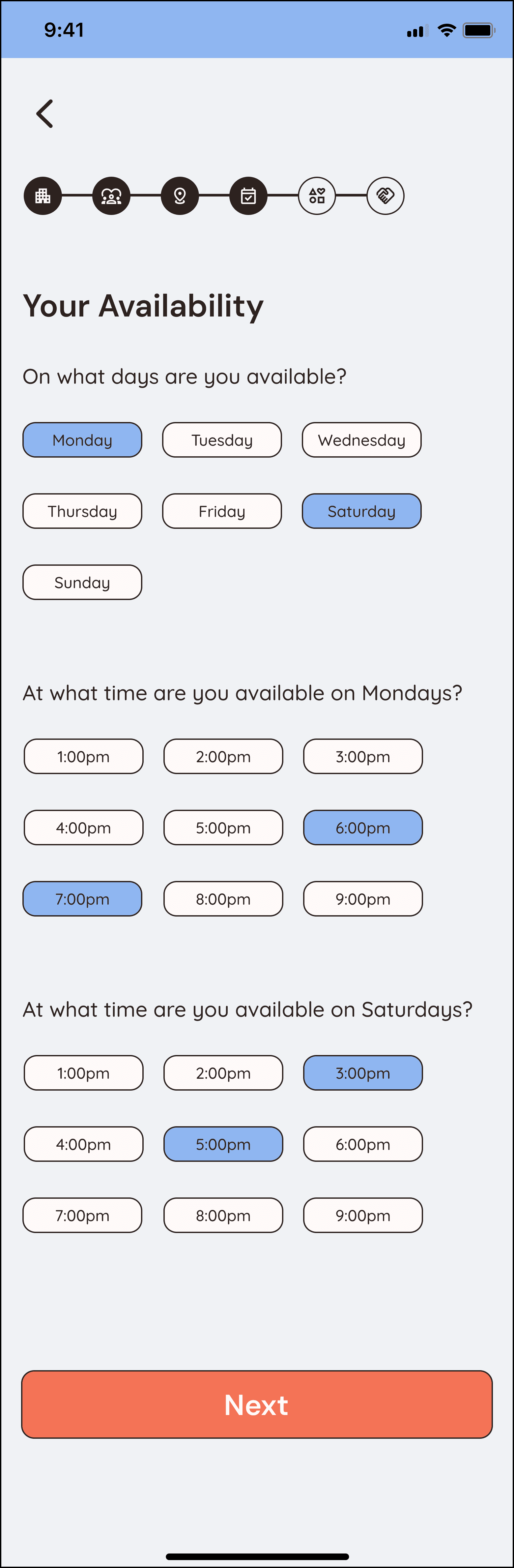
Before
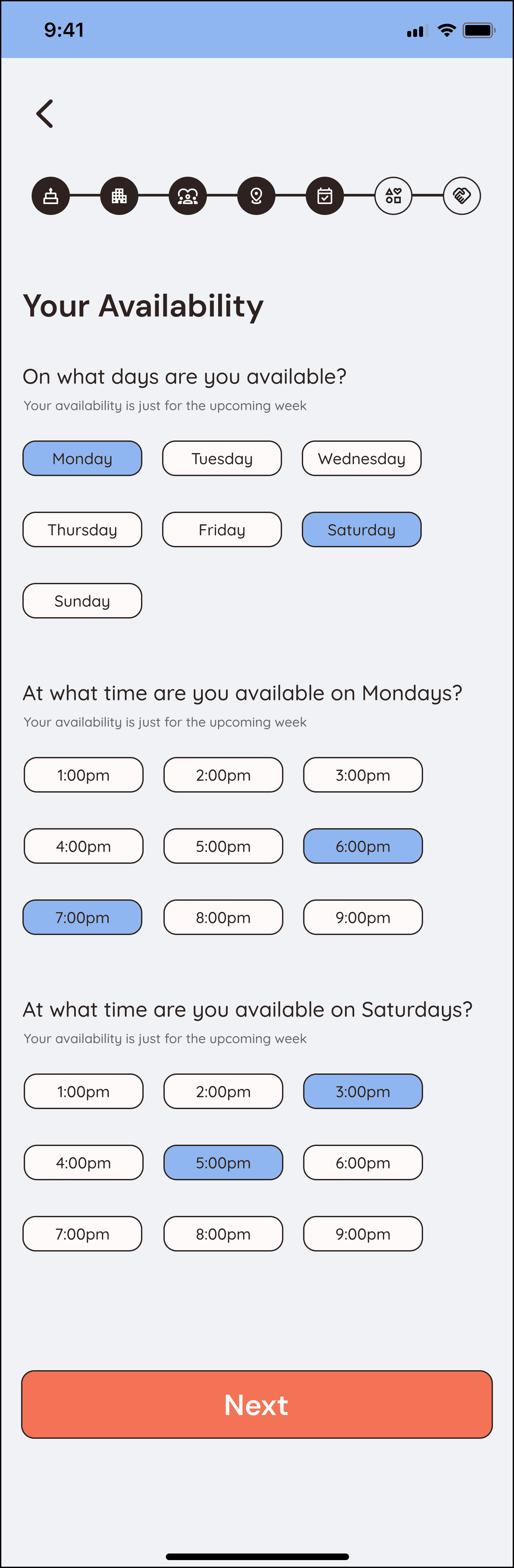
After
Add a "What is your age?" question
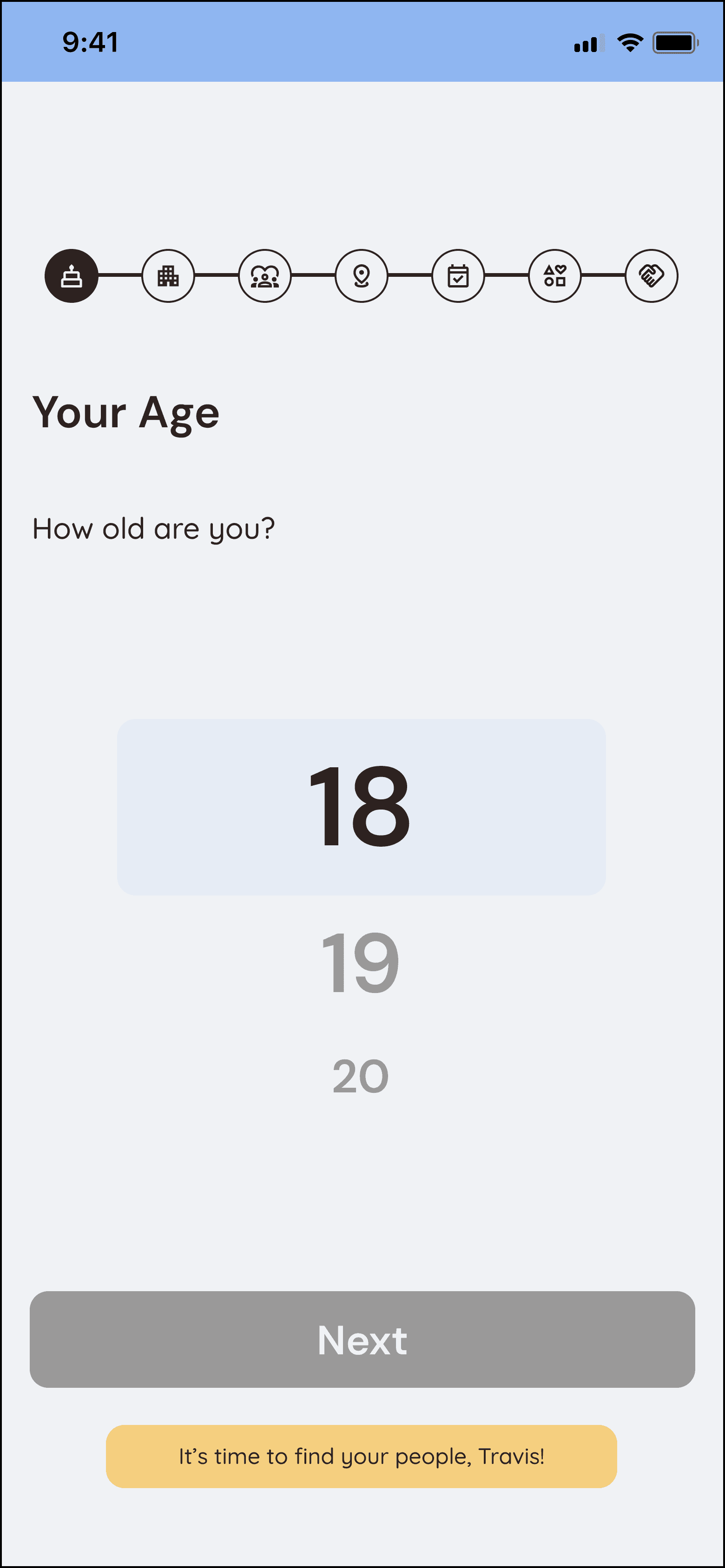
Before
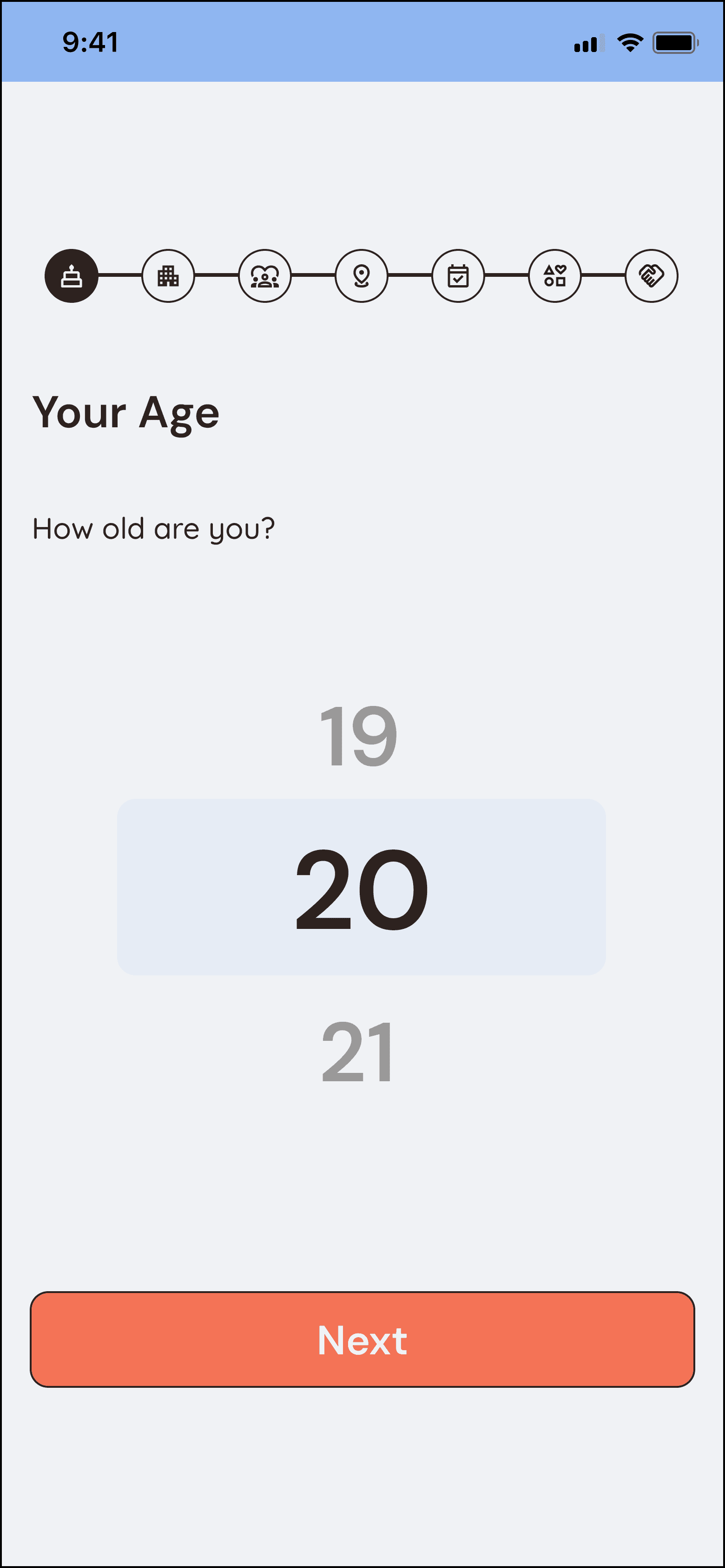
After
View Prototype